
Blow Up: Avenge Humanity
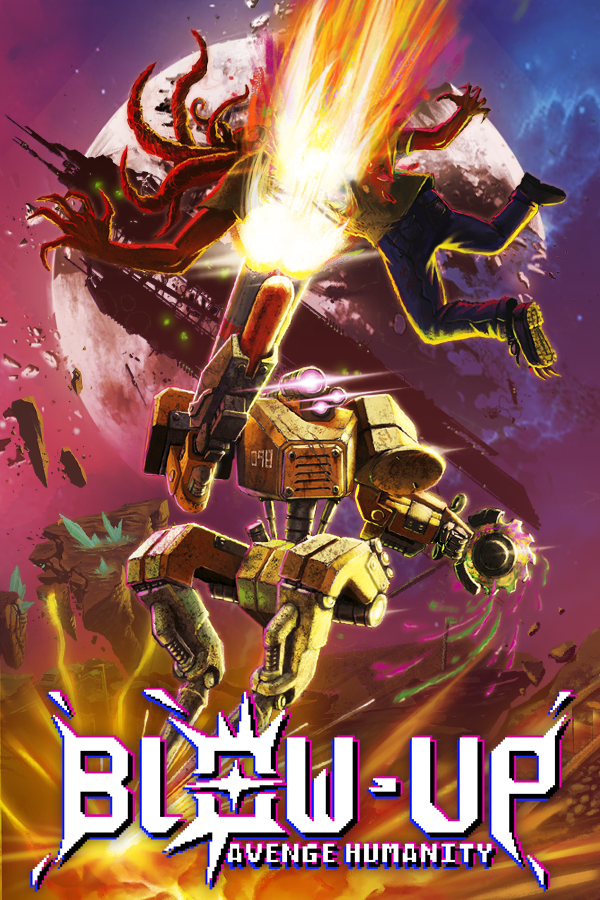
Blow Up: Avenge Humanity is an indie game currently in development made by the small group Half Sunk Games.
My involvement with the project started years ago as a way to make a solid portfolio, the sole developer back then, Llibert wanted me to create some accessibility shaders and a uber retro shader for all the environment pieces of the game. After a while we became friends and the team expanded.
Currently I’m the technical artist of the project and the plan is to get more involved with it in the future.
Game Information
Blow Up – Uber Retro Shader
This is the essential core shader behind the software rendering / PSX feel of the game.
Features:
- Affine Texture Mapping
- You can disable globally perspective correction on the textures; This is done by undoing perspective correction on the vertex and fragment shaders
- No integer coordinates on Clip Space Coordinates
- You can enable vertex snapping globally on all of the objects; This is done by rounding vertex coordinates to a virtual grid that represents the pixelated resolution.
- Animated UV’s
- Stencil Buffer Writing
- This is used in game to mark that are not part of the background for the background desaturation accessibility option. Originally it was used for the highlight effect, with every number going from 1 to 12 representing a highlight color.
- Splatter
- With this option you can cover progressively an object with a texture, a grayscale image dictates where stains are going to be based on the percentage of splatter coverage that then reveals the splatter texture on the shader, this is used for blood splatter on Barbara’s weapons and chainsaw.
- Alpha Blending / Additive Blending / Alpha Cutout
- PBR Support
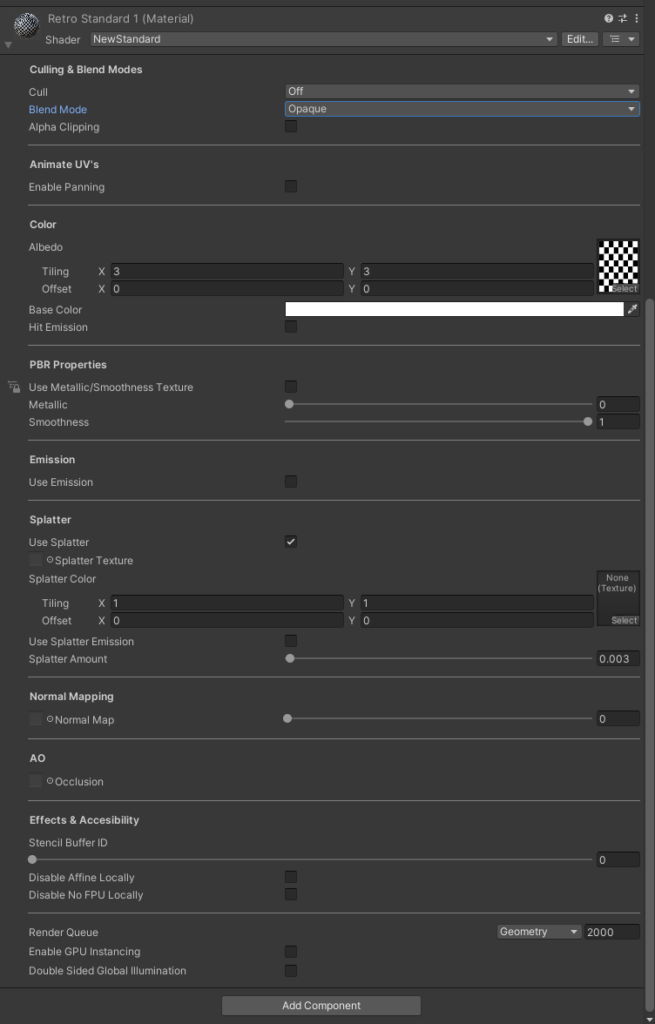
All of this is represented with a nice custom shader UI that I made:
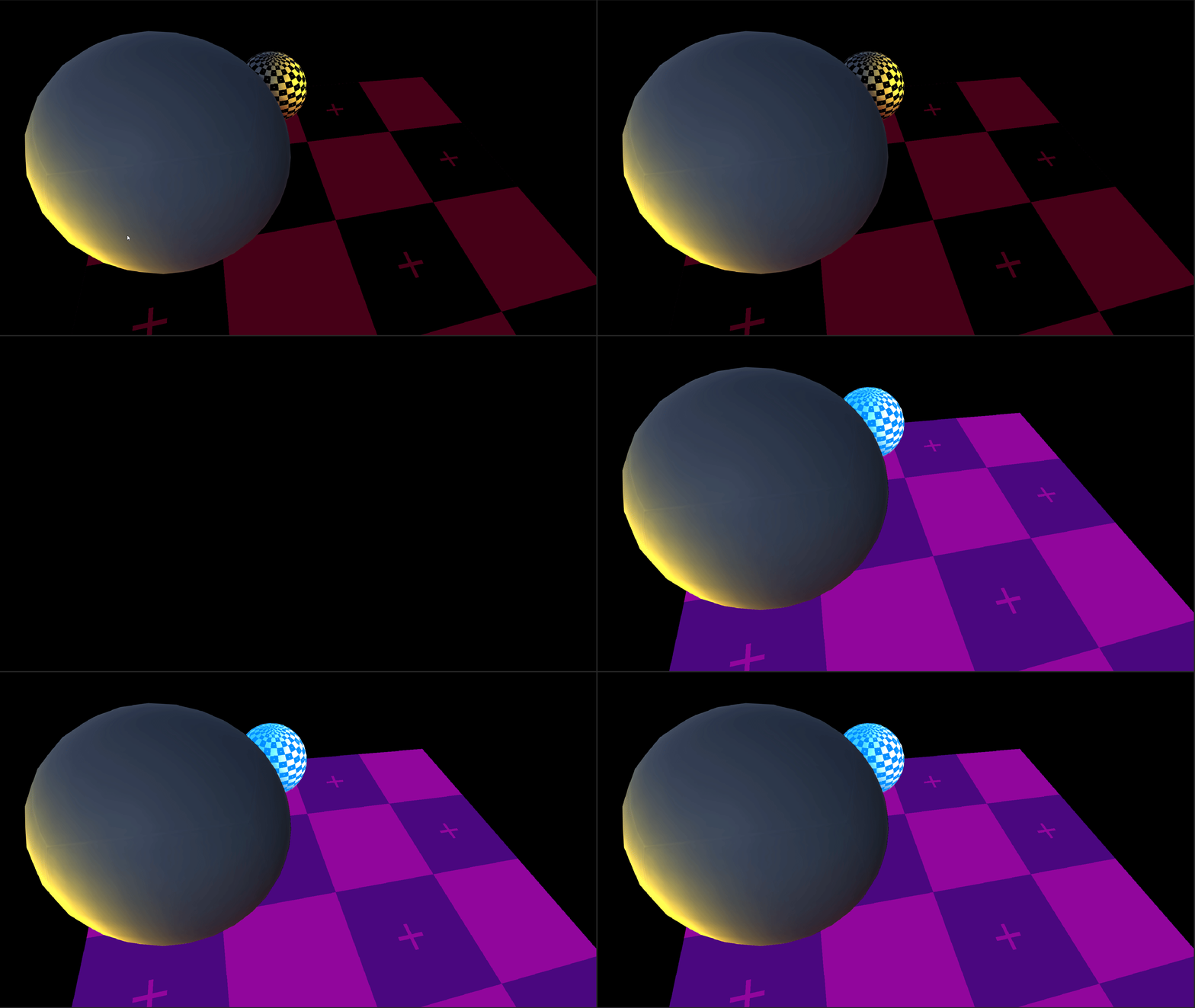
Here’s a small showcase of everything the shader can do:
Accessibility Post Processing Effects
Highlight Effect
This is an effect that adds a color with additive blending or replaces an object’s pixels with a color to highlight interactable effects. The effect is divided in 3 parts
- An Instance Script that holds the highlight color and meshes to render on the highlight color buffer and registers itself to the list of renderers in the manager.
- A singleton manager that holds a list of objects of HighlightInstance class and holds a method to create a command buffer that draws the renderers to the Highlight Render Texture with their respective highlight color. The shader that writes to the Render Texture culls pixels that are behind other objects so highlighted objects can’t be seen through walls.
- The postprocess effect script that handles the Highlight Render Texture and calls to the command buffer inside the manager every frame, then on a blit pass it blends using addition the Highlight Render Texture to the Color Buffer or overwrites the pixels based on the option selected.
Outline Effect
This is another postprocess effect that works similarly to the highlight, it renders a list of meshes to a Color Render Texture, renders the same list to a Depth Render Texture, applies a Sobel filter to the depth render texture to generate the outlines and these get tinted using the Color RT, then using a blit pass the outlines are applied to the final image.
It works like this:
- An Instance Script that holds the outline color and meshes to render on the outline color buffer and registers itself to the list of renderers in the manager.
- A singleton manager that holds a list of objects of OutlineEffect class, this class has two methods, one that renders depth and another that renders color. The shader that writes to the Render Texture culls pixels that are behind other objects so objects with outline can’t be seen through walls.
- The postprocess effect script:
- Renders the objects on the list to a depth render texture.
- Renders the objects colors to a render texture using their respective outline colors.
- Generates the outlines using a blit pass over the depth render texture.
- Combines the outlines with the color buffer using a blit pass.

Upcoming Post Processing Effects
Dither Bloom
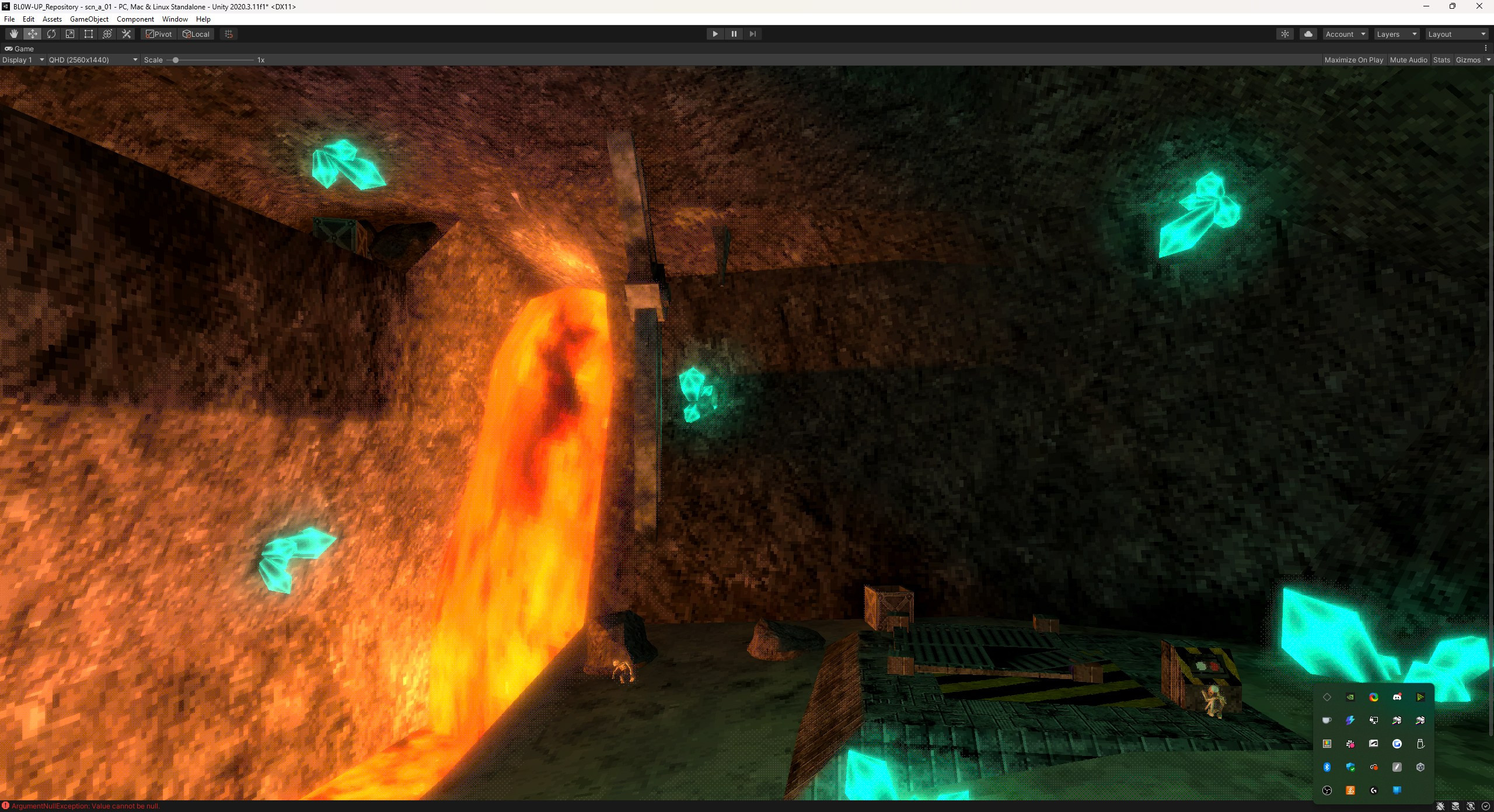
Standard bloom effect based on Unity’s own effect, the only difference is that bloom has an extra shader pass that quantizes the color and applies dithering to the intentional color banding.
CRT Effect
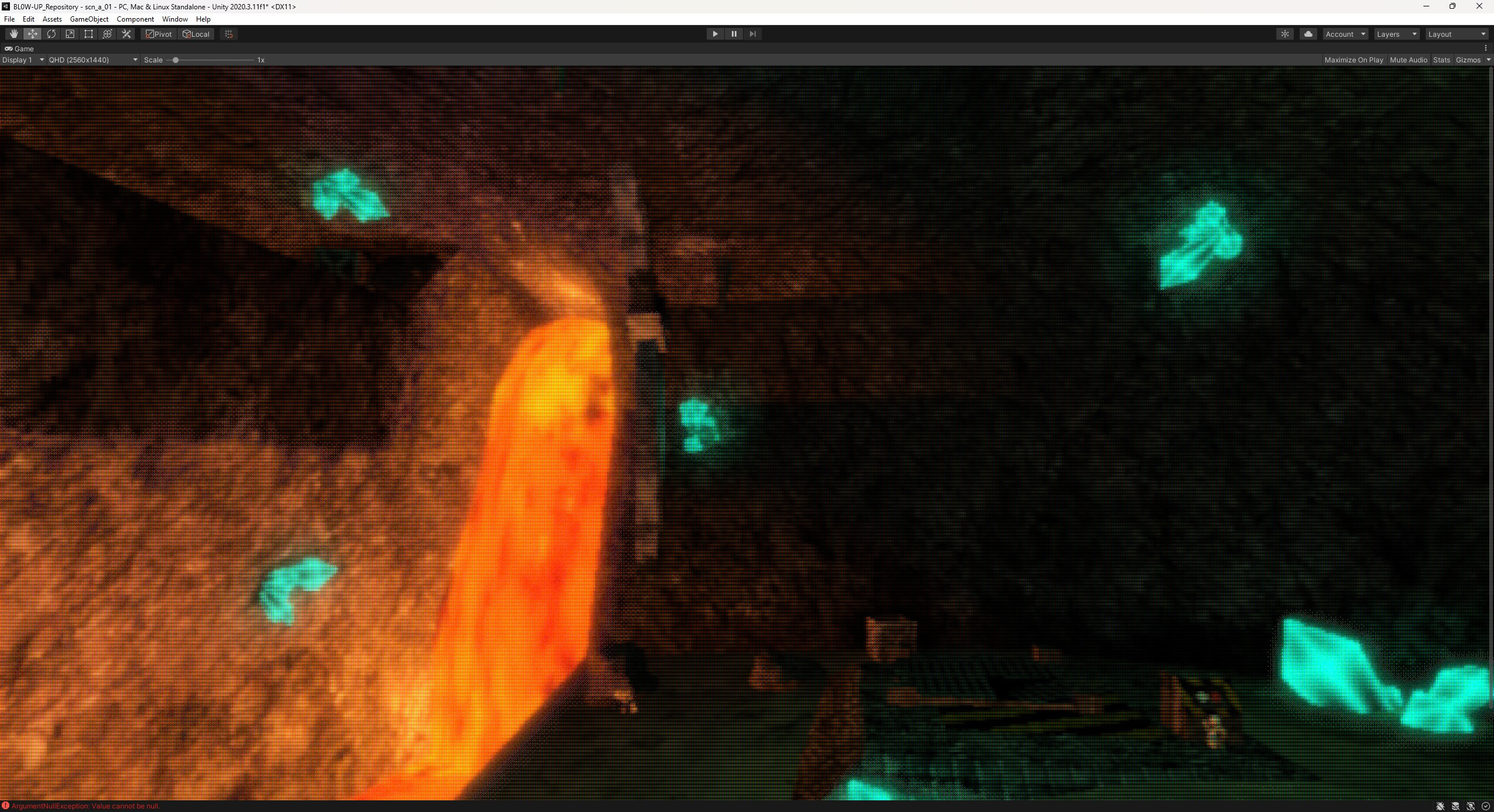
A port from Timothy Lottes shadertoy CRT shader that blends the neighboring pixels on a scanline with custom tailored shadow mask and aperture grille effects for different kinds of monitors and resolutions.