Men In Black: Most Wanted
Game Information
After Project Desolation was cancelled I was instantly moved into the team of MiB: Most Wanted as the tech artist of the project. Since Project G was born from the ashes of Project Desolation, preproduction on Project G left MiB: Most Wanted without a fulltime dedicated tech artist.
It has been an amazing experience getting the opportunity to let me be on my own, everything about this project felt like the studio was trusting me to handle a big project like this.
Toon Rendering in MiB
The MiB Toon shader is pretty flexible, and it has different two different types of rendering modes one for characters and another for the rest of dynamic objects.
Character Rendering
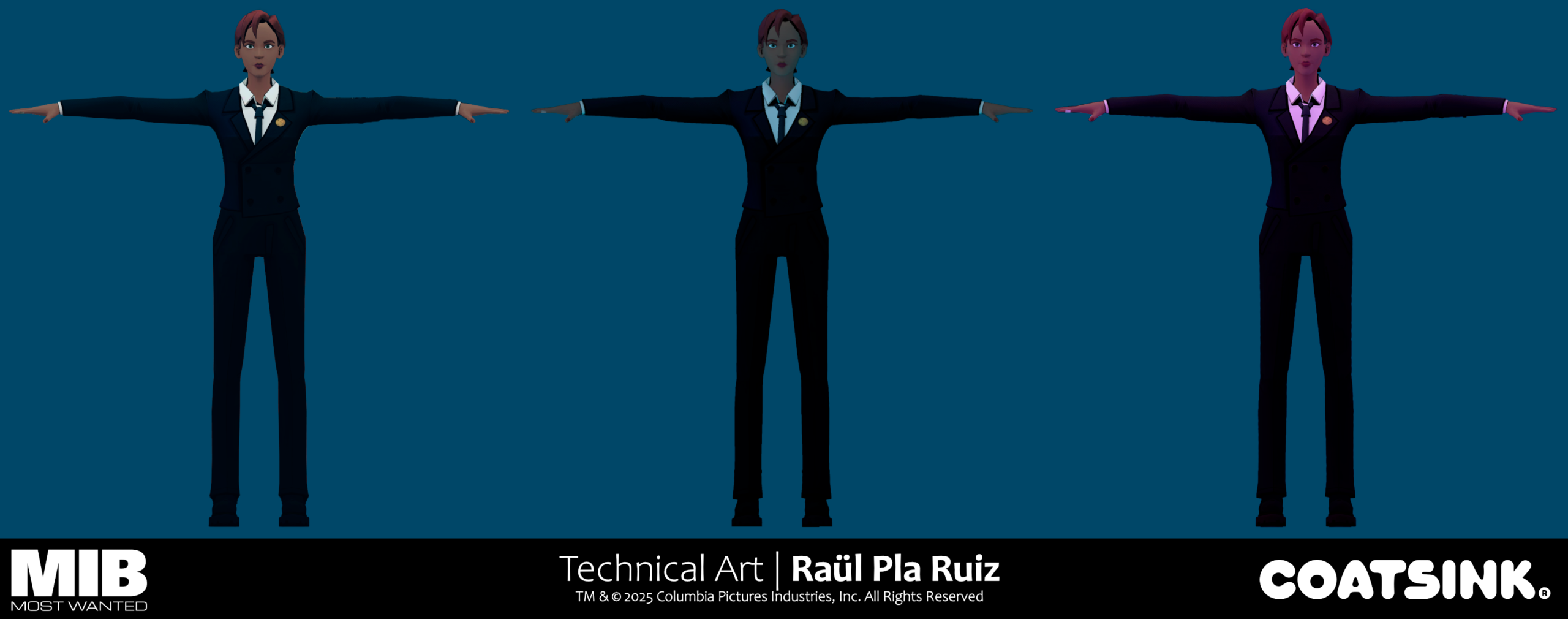
Character rendering is you could say mostly “unlit”. What I mean is that characters don’t receive direct lighting, instead characters are unlit, but they have spherical harmonics (also called light probes) applied to them, that way characters receive indirect lighting and thus they don’t stick like a sore thumb on areas that are in shadow.
Object Rendering
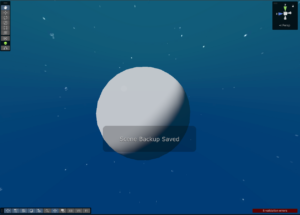
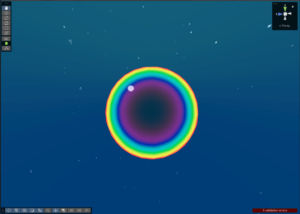
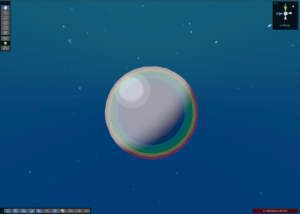
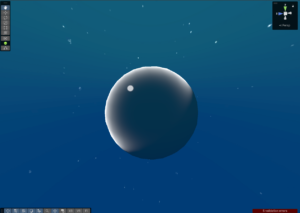
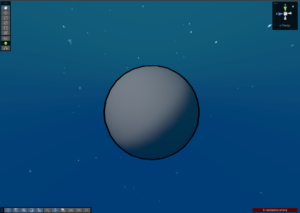
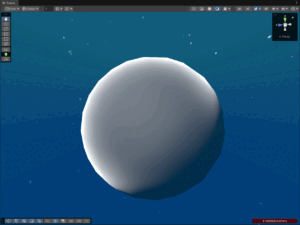
Most objects in MiB use or derive from a base toon shader, a lot of features went unused, but here’s all that it’s capable of:
Tool Development
Tools developed for MiB were centered around artists necessities that appeared on the production of the project, here’s a showcase of all of them, go to the specific pages using the link to see a more technical analysis of each one of them.
Indexed Colors Character Substance Painter tool
We wanted to not make a myriad of textures with different skin tones variations, so I developed a Substance Painter tool that in conjunction with a Substance Painter shader, Unity shader and C# scripts could interpolate between all skin tone colours artists wanted.
See a more in depth explanation and technical details by clicking here!
Gradient Substance Painter & Unity tool
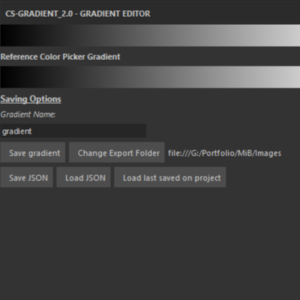
MiB relies a lot on simple flat textures, I made a gradient editor plugin editor for Substance Painter to use in a gradient mapping shader that I made, black and white textures painted in Unity can be recolored with a gradient thanks to this tool.
The substance tool can save gradients as texture assets inside the Unity project and as well in JSON metadata to change gradient stops at runtime with C# scripting.
See a more in depth explanation and technical details by clicking here!
Shadow Volumes Unity Tool
A MiB Unity tool to create shadows to fade away or hide distant objects or create a sensation of an infinite void. It paints on the vertex colors of the meshes of the scenes with the desired colors by manually placing shapes that tint the meshes inside
See a more in depth explanation and technical details by clicking here!
Compute Shader Effects
In MiB there are a bunch of systems that handle some global effects that make use of compute shaders as a core part of their inner workings
Voxel Blood
MiB is a strictly a forward shading game, resources are pretty tight we even had to disable the shadowcaster pass on the game to meet performance requirements from Meta, because of this doing screen space decals using a depth + normals geometry buffer was obviously not archivable.
Me and the technical director proposed a solution that would work for this game to the team, instead of using decals, we used a voxel grid to define which areas have been covered by blood.
It works like this:
- The script creates a bounding box aligned with the XZ axis that fills the camera frustrum.
- Based on which one of the axes is the bigger one, create a 3D render texture with a maximum amount of 128 voxels per axis.
- Each time a bullet goes through an enemy, create a sphere object and register it to the list of the game manager script.
- When it’s time to render a frame, cull spheres outside the frustrum, pass the spheres as an structured buffer and the render texture and then dispatch the compute shader.
- The compute shader calls to a kernel that initializes the voxel values to 0.
- The compute shader calls to the kernel that makes the final texture:
- Get the current voxel center position [ThreadID * voxelSize + (gridOrigin + halfVoxelSize)]
- Using the position, check the distance from the voxel to all of the spheres inside the buffer
- If the distance of the of the voxel is less than the radius of the sphere, mark voxel with a value of 1.
Then the shader on static objects:
- Transforms world space coordinates to voxel coordinates
- Samples the texture with bilinear sampling and gets distorted using 3D Noise
- Change diffuse color based on the voxel texture
Disco Floor
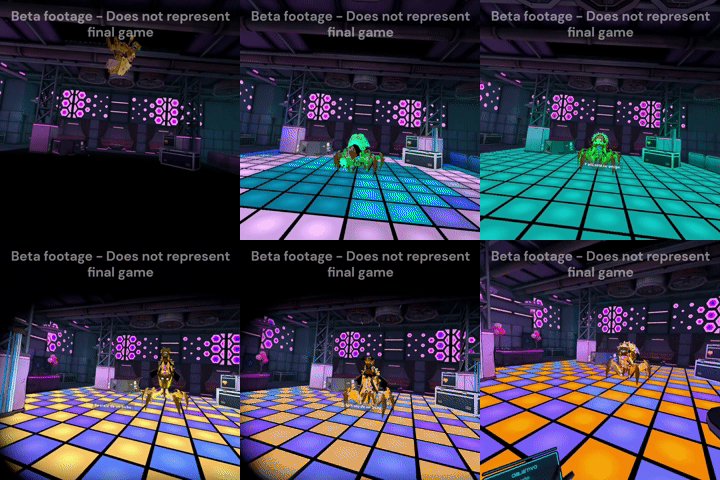
Mission 5 on MiB has a boss fight inside a disco club lounge. As a team we wanted to have a disco floor on the bossfight room with patterns and colours that changed based on the boss fight progression, I was not happy with this being only a simple effect on the floor, I wanted to illuminate the surroundings and characters.
To do this a script dispatches a compute shader that generates a 8×8 checker texture with the alternating patterns, then it passes the generated texture as a global shader texture.
In the MiB Toon shader vertex shader
- We use an inverse transform matrix of the disco floor to transform the world space coordinates of the vertices to the Disco Floor coordinates
- Check if it’s enabled and is inside the area (using the local coordinates)
- Sample the texture as light color
- Shade the model using Valve’s half lambert model with the disco floor as light color
- Pass the lighting to the fragment shader
On the fragment shader:
- Multiply the interpolated lighting info with the diffuse texture and add it on top of the per pixel lighting.
https://www.shadertoy.com/view/sXf3D4
Interior Mapping Shaders
Jargun & Berserker Shader
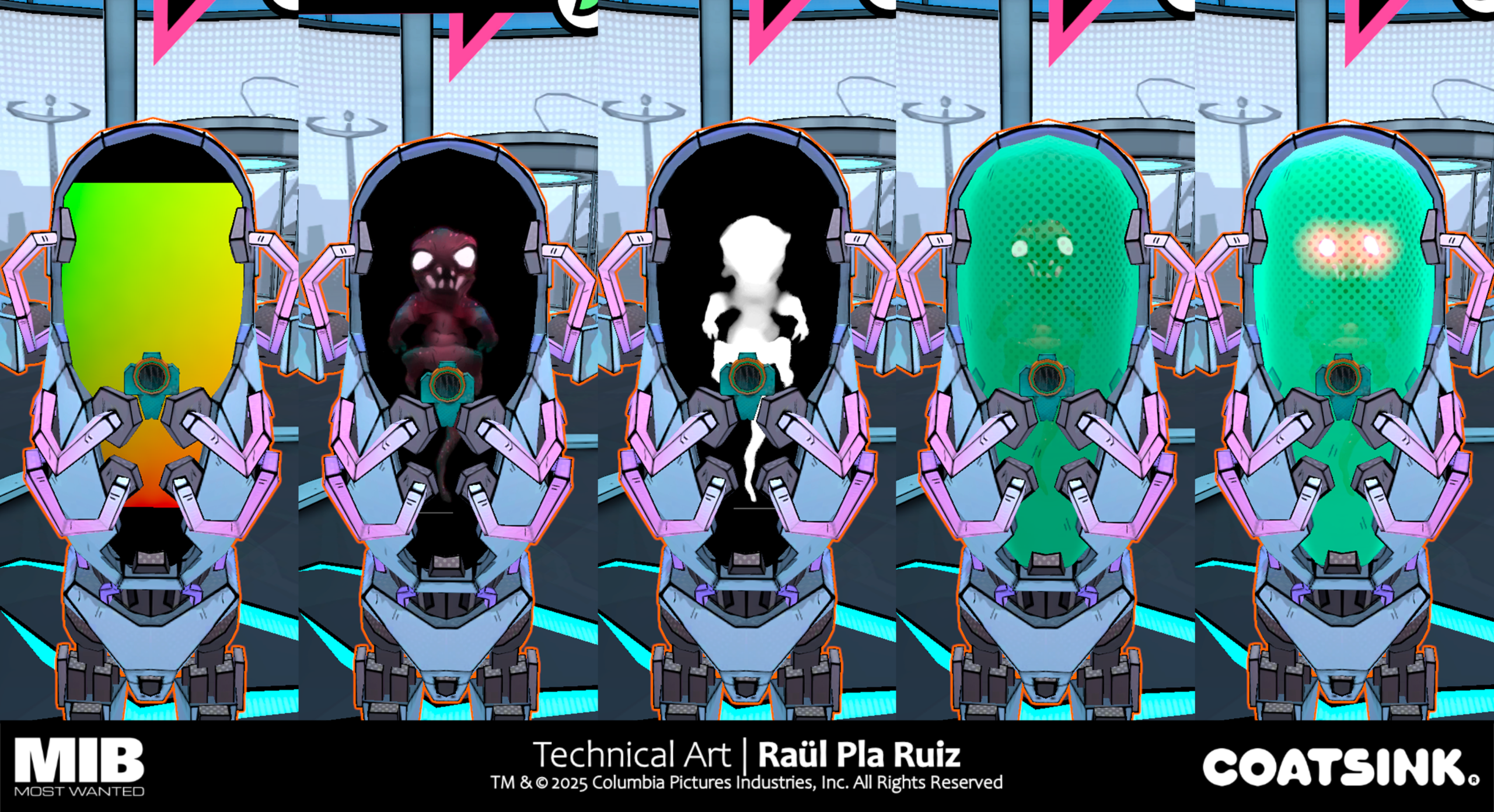
The alien Jargun and the Berserker are characters that are suspended in liquid inside pods, we can’t really afford to have shaders with multiple transparency layers due to overdraw so everything seen here is opaque.
To fake the characters floating inside the liquid we do a virtual billboard on the fragment shader using a Ray Plane Intersection algorithm using a bone position and up vector as normal.

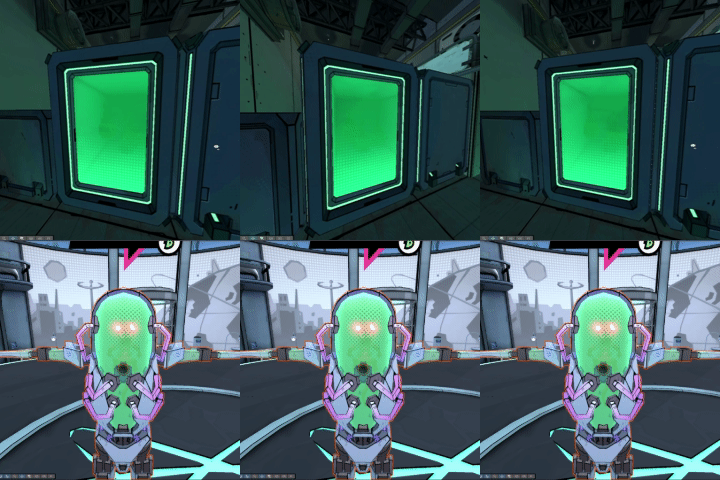
Hydroponics Box
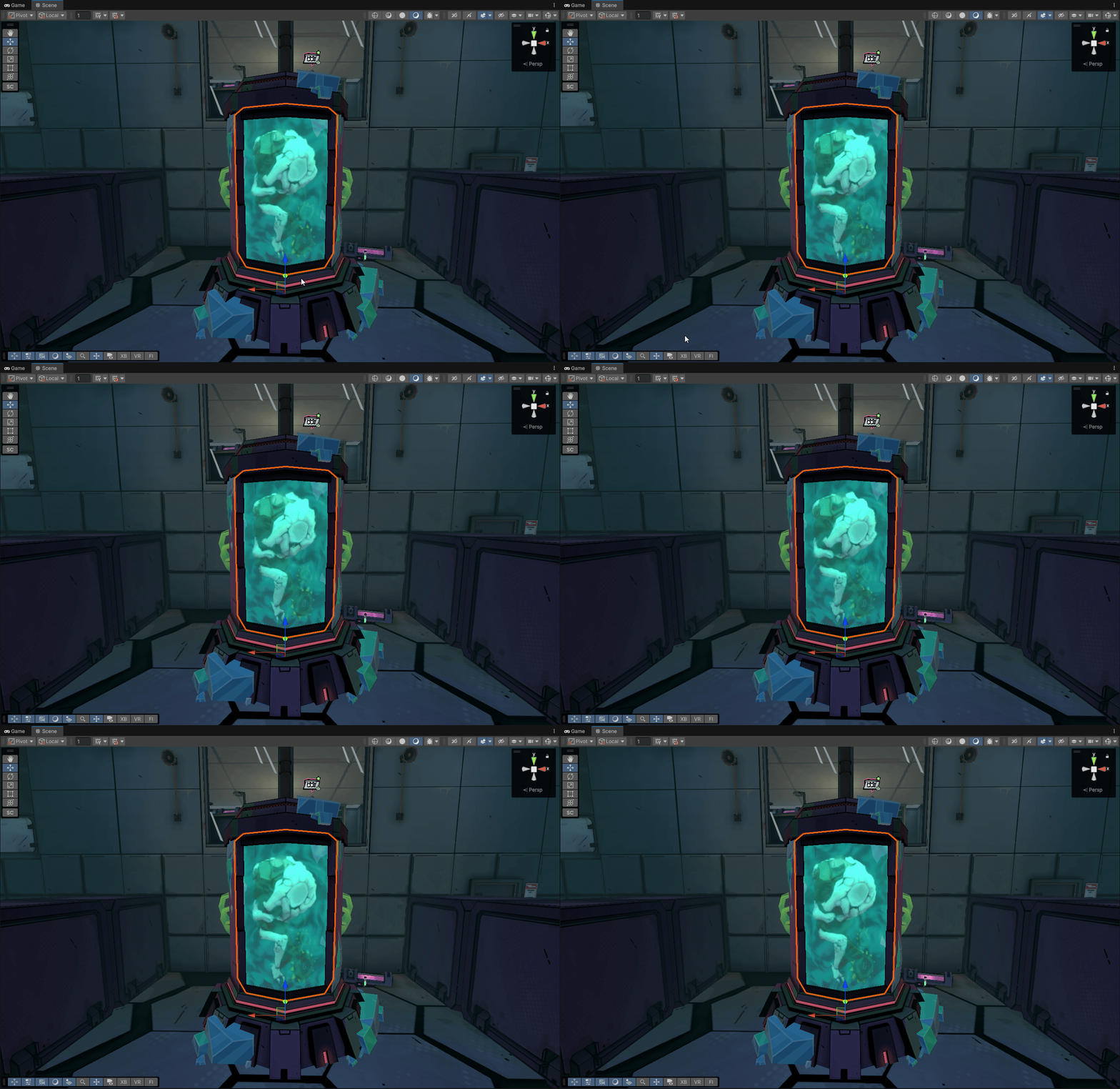
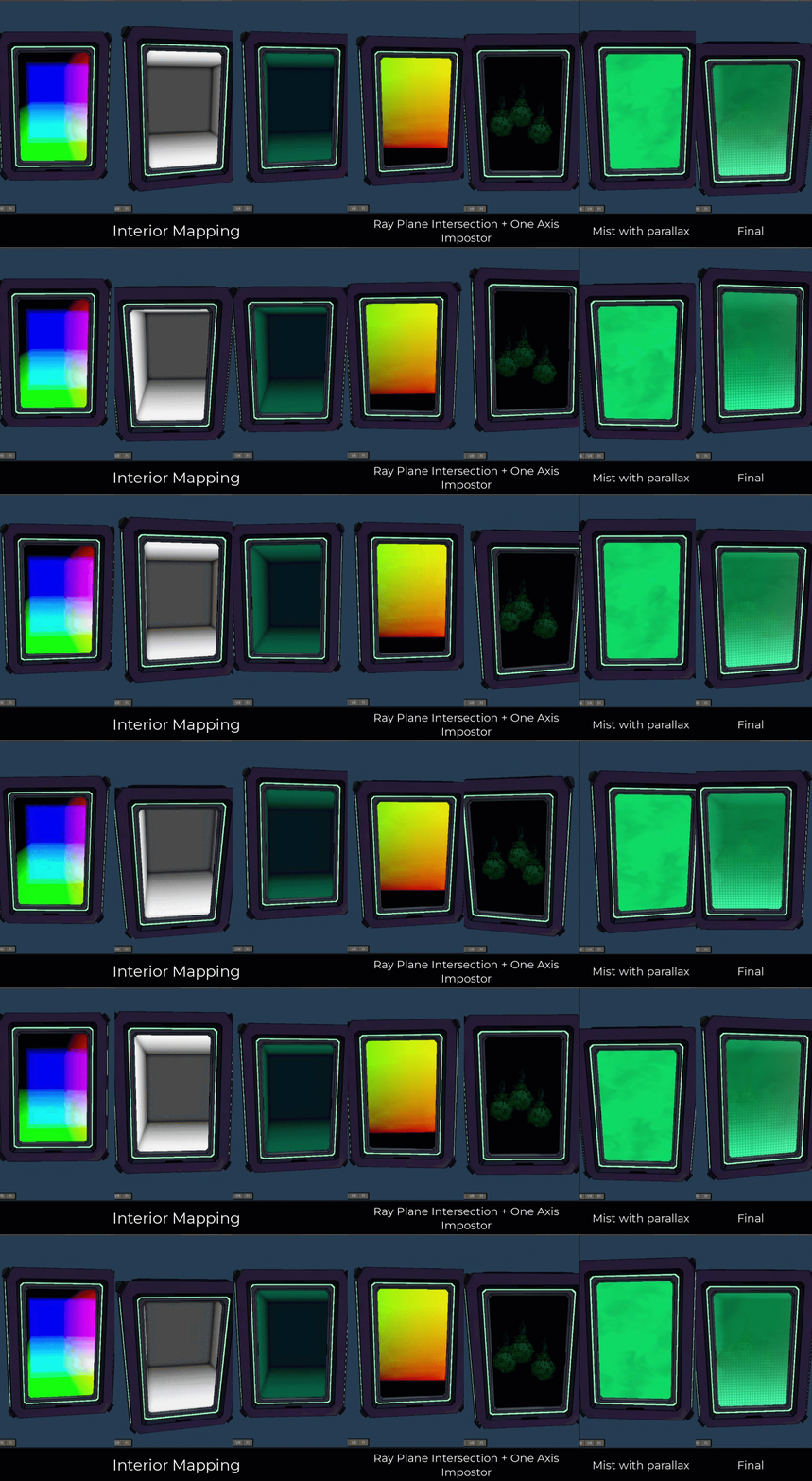
The hydroponics plant box featured in Mission 5 are similar to the Jargun and Berserker in that they are fully opaque and make use of the same billboard drawing code. The thing about the Hydroponics box is that the billboard is instead a single rotation axis impostor rendered in Houdini (used for the alien fruits inside it) and the background is a cubemap using interior mapping to fake an interior on the inside.
To make the snapping on the impostor less obvious there’s a mist layer on top, then it’s shaded using the MiB per pixel lighting treatment
Flickering Signs
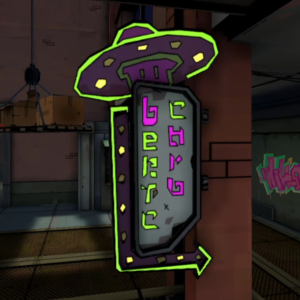
Flickering signs are everywhere on the bright nocturnal city of New York, a specific shader was needed for them.
It has two types of flickering, constant and failing flickering. Constant is meant to be used for signs that have a on/off coordinated animation, failing is for broken signs that are about to die.
Constant Animation
This works by modulating the intensity of the emissive texture using 3 different stepped triangle waves with different speeds. You can change the offset of each of the triangle waves by painting a 0-1 value on each of the RGB channels of the input texture, this also controls which parts of the emissives are assigned to the 3 different binary triangle waves. By offsetting the waves on different parts of the texture you can make lights go off when others are on, thus creating animations on the signs
Failing Animation
This type of flickering sign works by making signs flash quickly using a noise texture transitioning to this noisy state using a triangle wave. RG values on the sign texture control which point of the noise texture define the sample point for the noise texture stored on the alpha channel and the blue value controls the triangle wave offset.
“Dynamic” Water Shader with foam
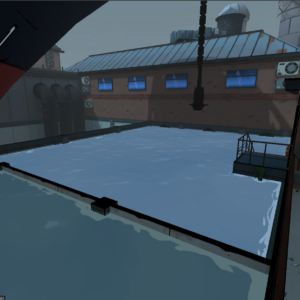
On Mission 2 you go to the Docks to investigate some contraband of illegal alien substances, in order to reach the secret lab the player needs to drain the water. Artists wanted to have water with foam on the edges where objects intersect, this is traditionally done on other games using the depth texture or by manually creating special meshes placed to act as foam on older games, the problem was that using the depth texture is out of the question on Quest 2/3 games due to bandwidth (tiled GPU’s) and using custom meshes was not viable because the water is not static due to it being drained on a sequence.
As an answer to both problems we proposed a solution based on using SDF’s of the nearby objects stored in a 3D Texture. Using world coordinates the signed distance field is sampled and then repeated and animated using a triangle wave, using a step function and some noise to distort the SDF creates the final look of the foam.
Headquarters Background Silhouettes
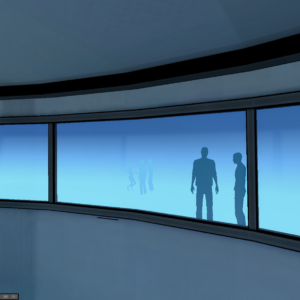
We realized that having only some agents on the HQ rooms wasn’t enough to convey the amount of people that work as MiB agents, as a cheap solution I proposed to the team at Coatsink and Sony Pictures to add some animated silhouettes on the windows that lead to other innacessible rooms. These are simple Vertex Animation Textures baked on Houdini for a bunch of characters with both iddle and walking animations.
The characters with iddle animations are grouped in a single drawcall thanks to the use of the SRP Batcher, the ones that are walking are spawned using a particle system that uses GPU Instancing. The fragment shader only outputs a solid color and uses alpha clipping + dithering to fade out dying particles.
Satellite Explosion Sequence
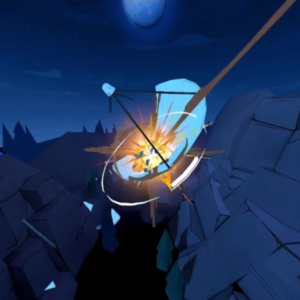
This is an explosion sequence for the end of mission 6. It’s a RBD Fracture done in Houdini exported as a Vertex Animation Texture, shaders are the ones made by SideFX but modified with a custom function node to add MiB’s cell shaded look.
Flowing Water Shader
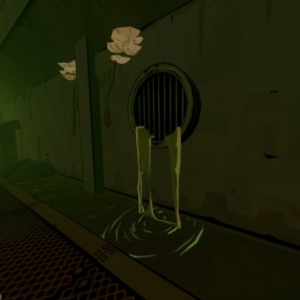
Two simple shaders with custom meshes to represent flowing sewage coming out of the pipes in the sewers.
Flowing Water Shader
A shader that using different set of UVs and tightly prepared meshes to create a flowing water effect. Main effect is done using lerps and different noises to create the scrolling effect and the foam.
Splash Shader with multiple render passes
A simple shader that uses polar coordinates to scroll a texture, it’s a simple alpha blended shader with texture scrolling, using a second render pass it offsets the geometry a few pixels in Clip Space coordinates to create a drop shadow using a darker color.
Gadgets
Neuralizer
Omni-scanner
Beam Shader
A simple shader that scrolls a texture, fading is done by generating a gradient over the triangle using UV’s
Light Glimmer VFX done by Aaran Burnett: ArtStation – M.I.B Most Wanted (VR) – Weapons & Gadgets VFX, Aaran Burnett
Minigame – Joystick
A simple shader that linearly interpolates from Color A to Color B based on a Fresnel coefficient.
Fresnel uses a normal map that points the hexagons to random directions to obtain a glimmery effect and then a quantization effect is applied before passing it as a parameter to the Lerp functions.
Minigame – Playfield
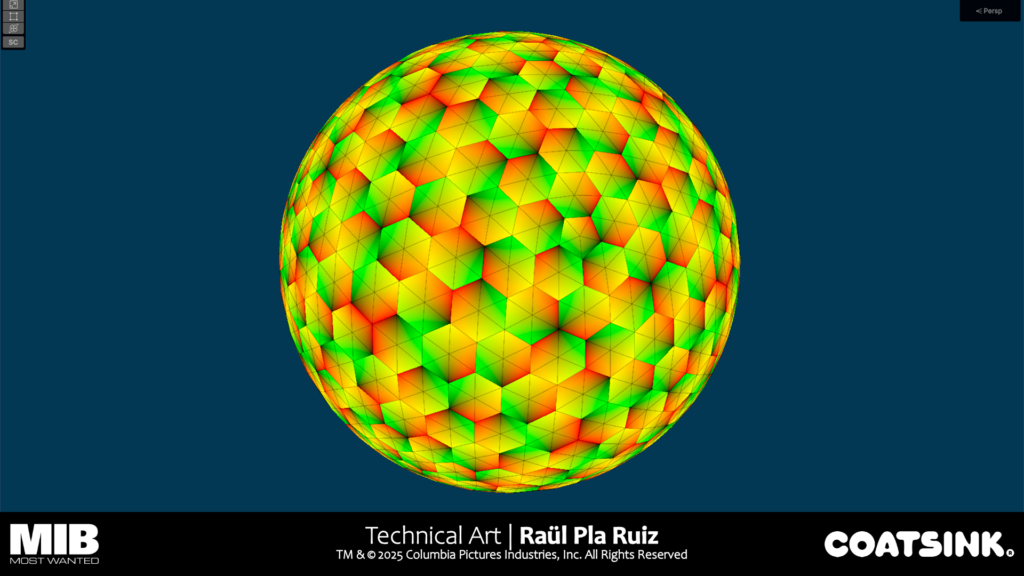
Channel UV 0 is used to make the hexagon glow and grow effect when the icon passes on top of the shape, and it’s used as well to generate the outlines of the mesh hexagons.
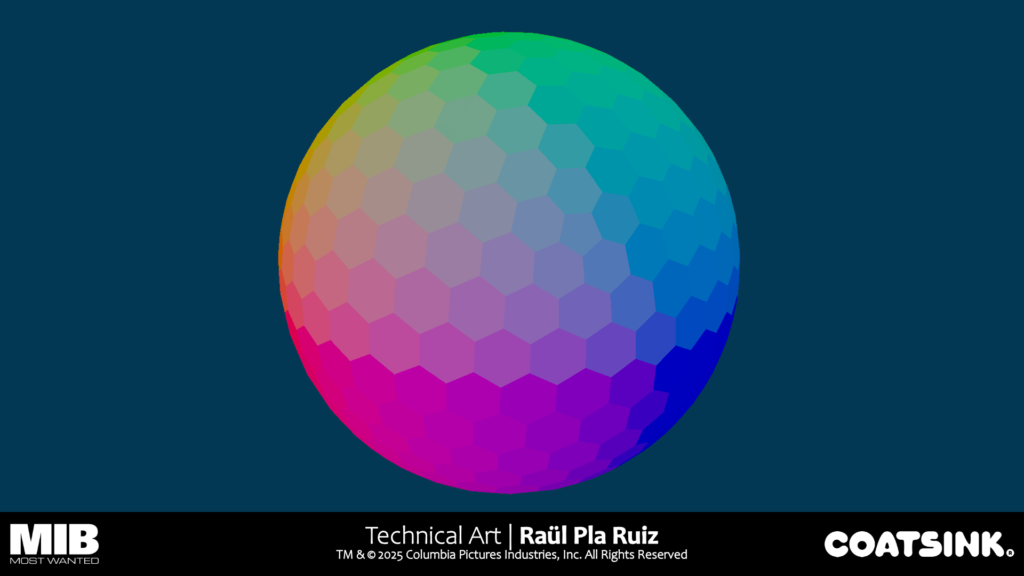
By storing the centers of each mesh hexagon on UV 1 & UV 2 we obtain the centers in world space of each hexagon.
Using the generated coordinates, we loop through a series of spheres stored in a vector 4 array (position and lifetime) and generate the trail of the cursor using an accumulation of sphere masks.
Mindbender Realm
Matter Disruptor Energy Cells
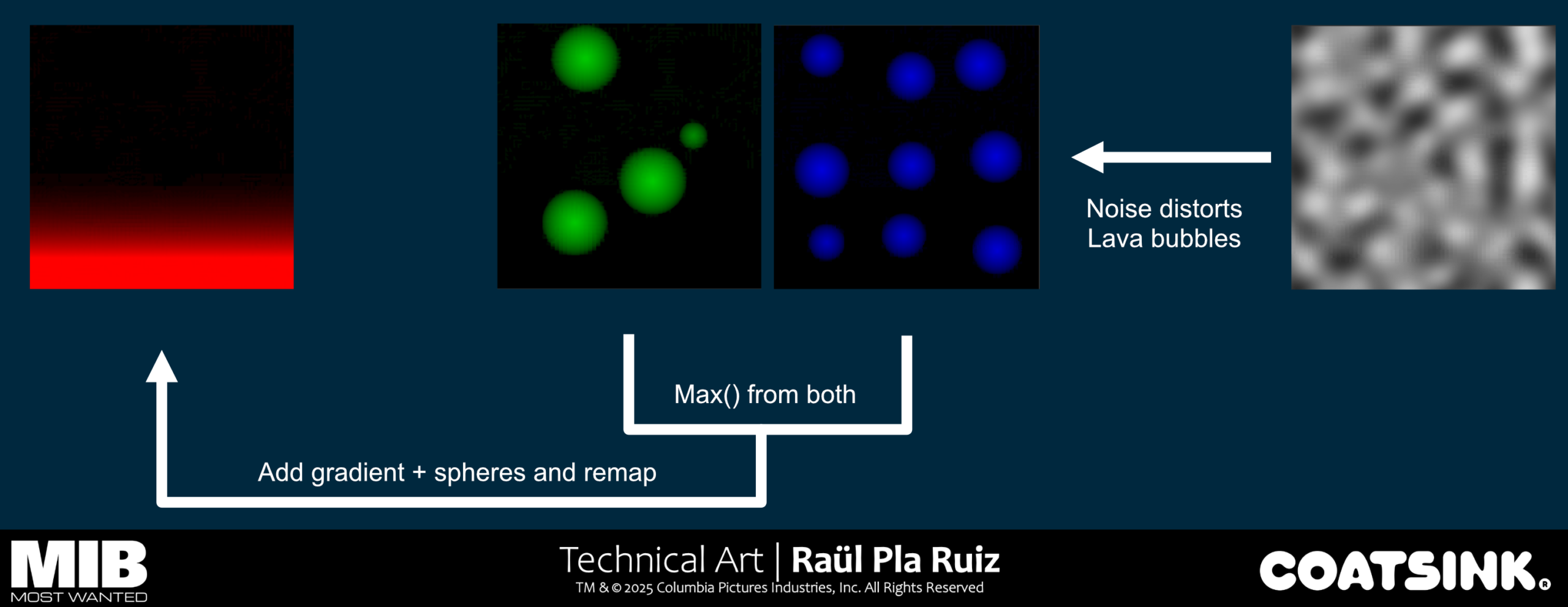
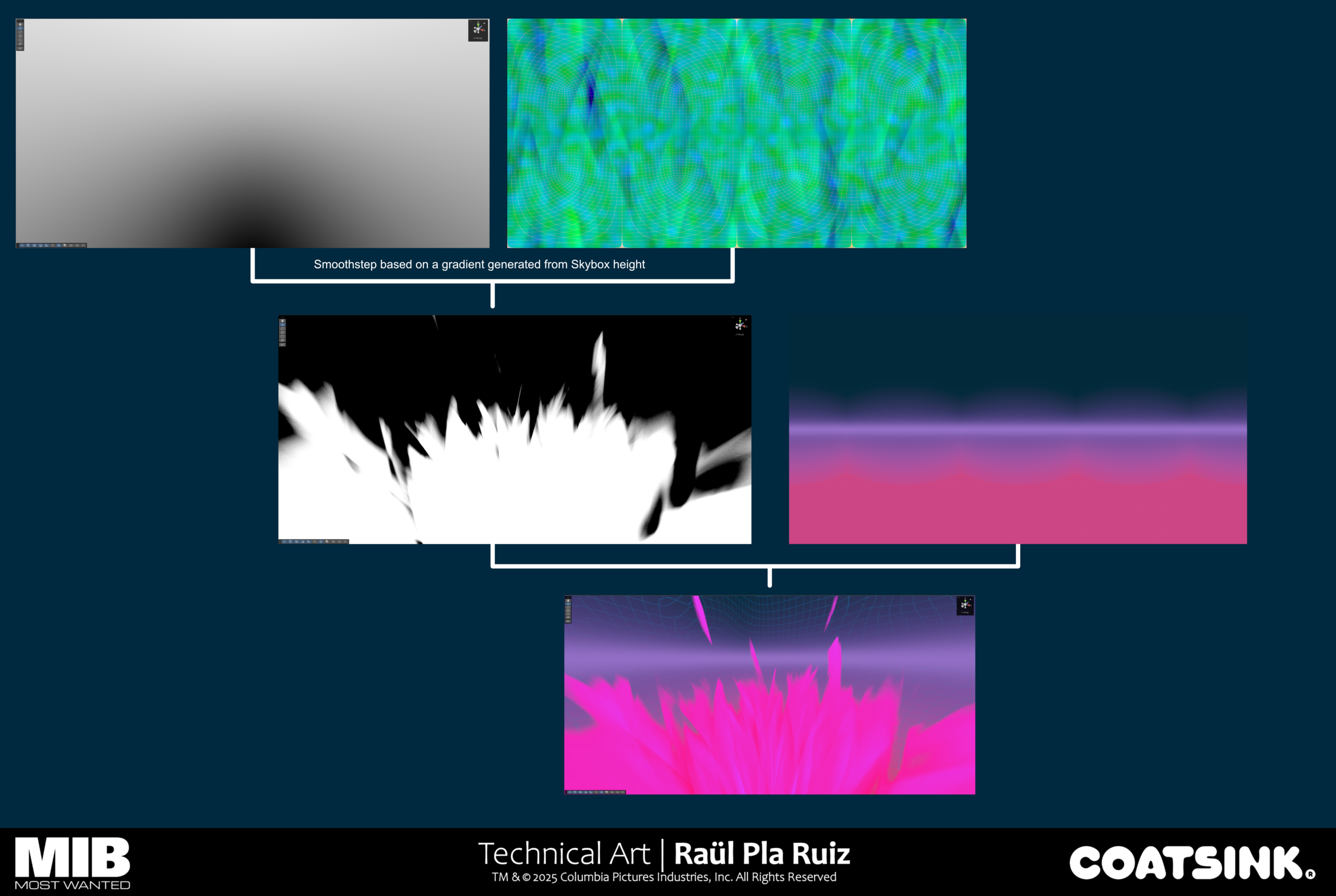
Mindbender Skybox Shader